.svg)



Learn what is zero-trust security and how zero-trust architecture, zero-trust network access, and the zero-trust security model protect your business.

June 30, 2026
.avif)
.avif)
.avif)
Businesses face new cybersecurity threats every day, and traditional security models are no longer enough to keep data safe. Zero-trust architecture (ZTA) is changing how companies protect their networks, users, and sensitive data. In this article, you’ll learn what zero-trust architecture is, how it works, and why it matters for your business. We’ll cover the basics, common myths, key benefits, and practical steps for implementing ZTA. You’ll also see how zero-trust network access, authentication, and access control fit into a modern security posture.
Zero-trust architecture is a security approach that assumes no user or device, inside or outside your network, should be trusted by default. Instead of relying on a strong perimeter, ZTA requires everyone and everything to prove their identity and authorization before accessing resources. This model helps prevent breaches and limits the damage if one occurs.
Unlike traditional security, which trusts users once they’re inside the network, zero-trust architecture uses continuous verification. Every request is checked, and access is granted only if the user or device meets strict criteria. This approach is especially important for businesses using cloud services, remote work, or on-premises systems. By following the zero-trust security model, you can better protect sensitive data and reduce the risk of lateral movement by attackers.

Many businesses hesitate to implement zero-trust architecture because of common misunderstandings. Let’s clear up some of the biggest myths so you can make informed decisions.
Zero-trust architecture doesn’t eliminate the need for a firewall. Instead, it works alongside firewalls to add more layers of protection. Firewalls still help block unwanted traffic, but ZTA ensures that every user and device is verified before getting access.
Any business, regardless of size, can benefit from zero-trust architecture. Small and medium-sized companies face the same risks as larger ones, especially when using cloud services or allowing remote access. Implementing ZTA helps protect your business from data breaches and unauthorized access.
Some believe that constant verification will make work slower. In reality, modern ZTA solutions use real-time authentication and smart access controls. This means users can work efficiently while staying secure.
You don’t have to start from scratch. Zero-trust architecture can be added to your existing IT environment. Many solutions integrate with current tools, such as VPNs, MFA, and endpoint security.
While ZTA has several moving parts, you can start small and expand over time. Begin with your most sensitive data or critical workflows, then build out your zero-trust framework as your team gains experience.
Zero-trust is not a one-time project. It’s an ongoing process that requires regular updates and monitoring. Security teams need to always verify users and devices, adjust policies, and respond to new threats.
Zero-trust architecture offers several important benefits for businesses:
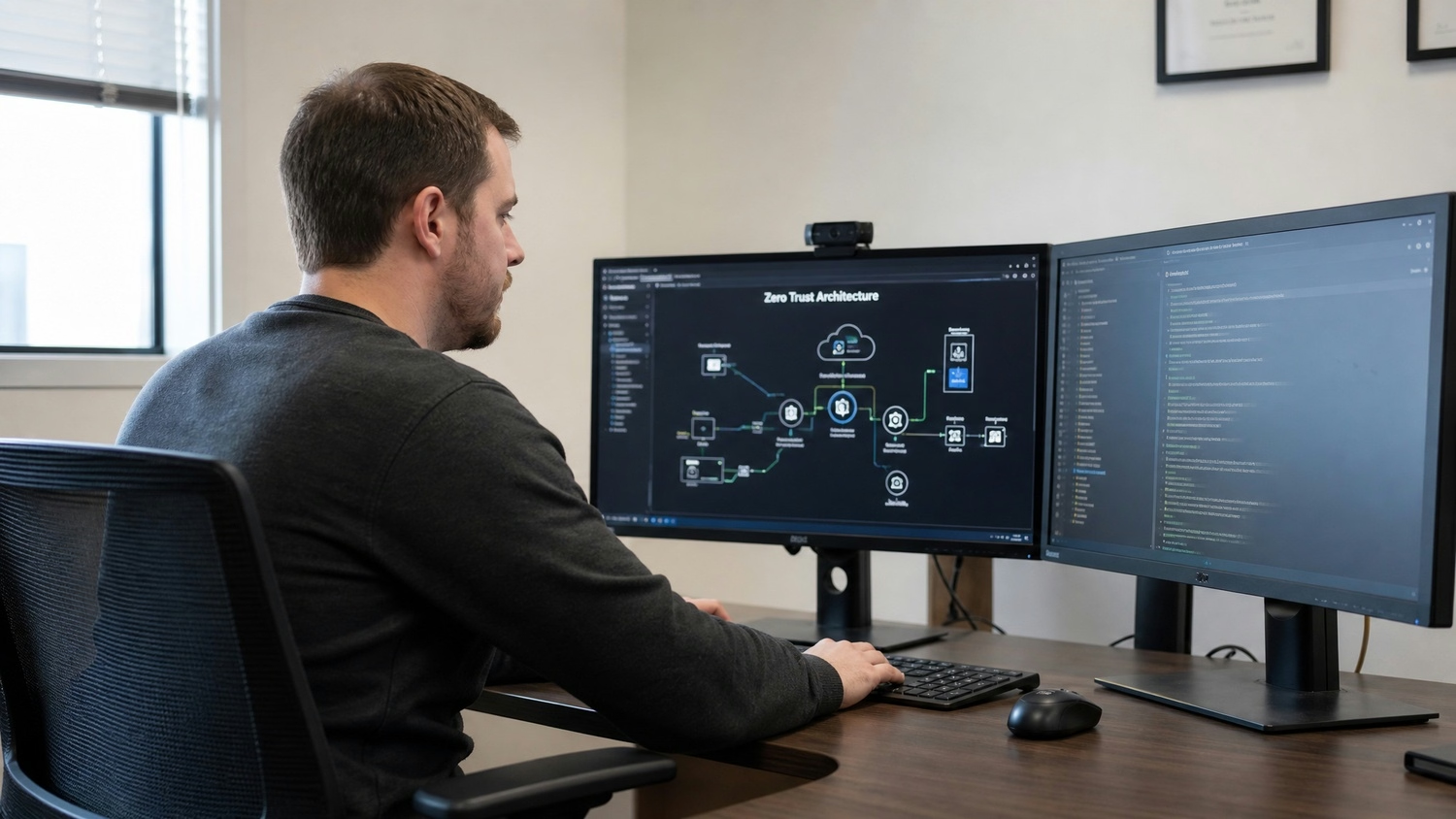
Zero-trust network access (ZTNA) is a core part of zero-trust architecture. Instead of giving users broad access to the corporate network, ZTNA grants access only to specific applications or resources. This reduces the attack surface and makes it harder for threats to spread.
ZTNA uses strong authentication, such as MFA, and checks the security of each endpoint before allowing access. It also monitors user activity in real time, so unusual behavior can be detected quickly. By adopting ZTNA, your business can protect both on-premises and cloud resources while supporting flexible work arrangements.
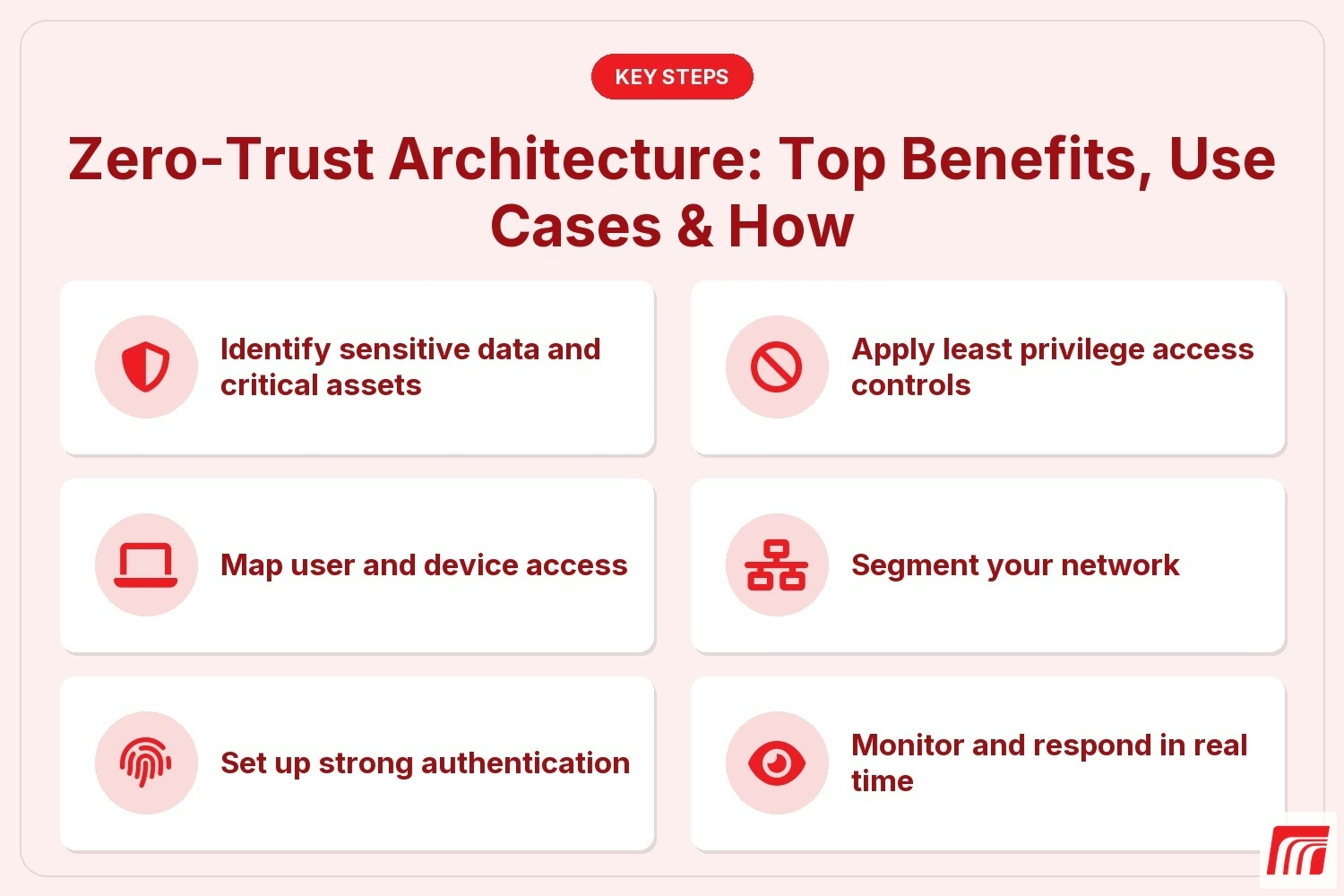
Implementing zero-trust architecture doesn’t have to be overwhelming. Here are the main steps to get started:
Start by mapping out your most valuable data, systems, and workflows. Knowing what needs the most protection helps you prioritize your efforts.
Understand who needs access to what, and from where. This includes employees, contractors, and third-party vendors. Tracking user and device activity helps you spot unusual patterns.
Require multi-factor authentication (MFA) for all users. This adds an extra layer of security and makes it harder for attackers to gain access, even if passwords are stolen.
Give users only the access they need to do their jobs. Limit permissions and regularly review them to prevent unnecessary exposure.
Use network segmentation to separate sensitive data and critical systems from the rest of your environment. This limits the damage if a breach occurs.
Set up monitoring tools to track user and device behavior. Respond quickly to suspicious activity and update your policies as threats evolve.
Train employees on zero-trust principles and best practices. Make sure everyone understands the importance of always verifying identities and following security protocols.
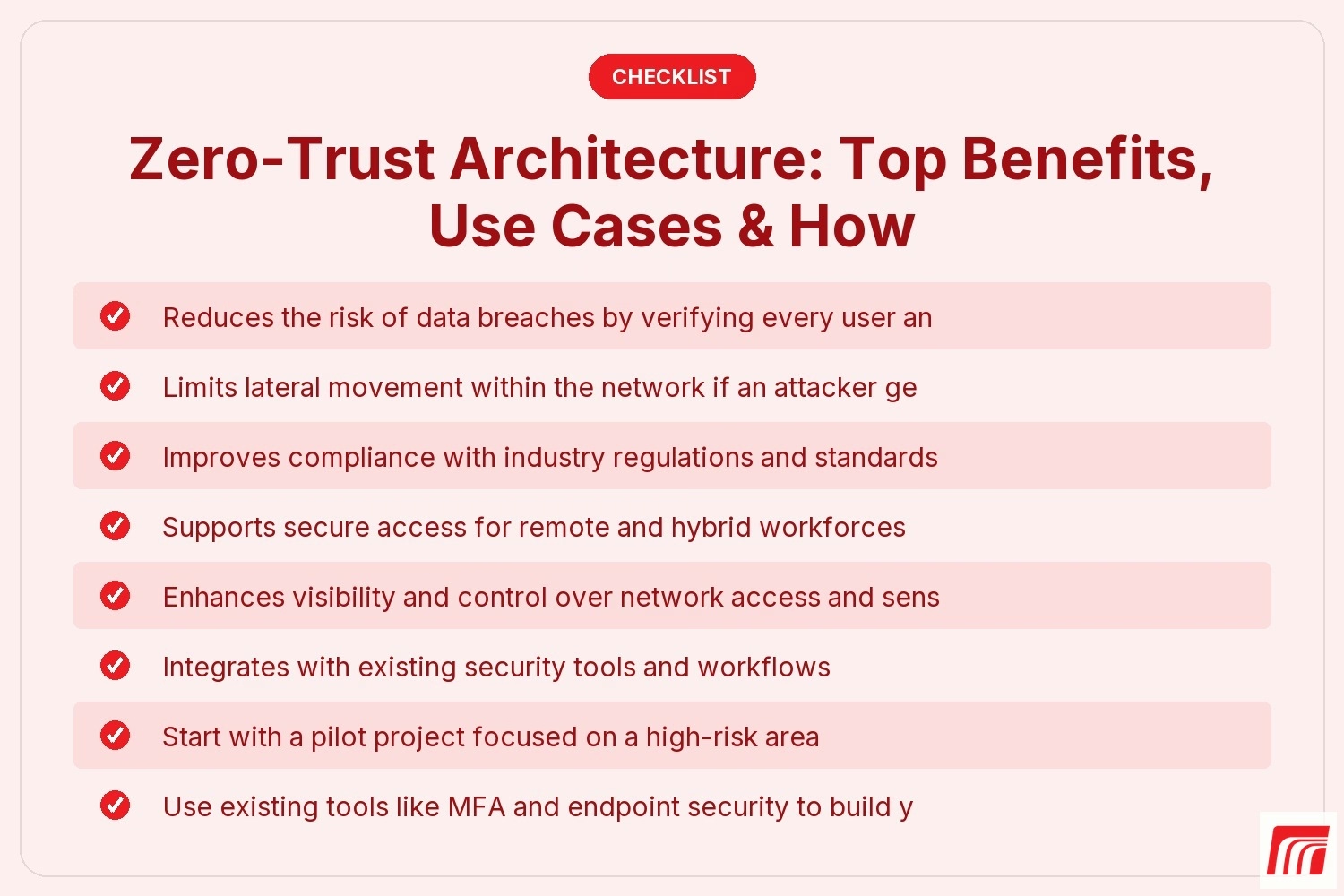
Putting zero-trust architecture into action takes planning and teamwork. Here are some practical tips to help you succeed:
Even with the best plan, you may face challenges along the way. Here are some common obstacles and how to address them:
Stay focused on your goals, and remember that every step toward zero-trust architecture improves your overall security.
Are you a business with 20 or more employees looking to improve your security? If you’re growing and need a reliable way to protect sensitive data, zero-trust architecture could be the answer. Our team understands the unique needs of businesses in this region and can help you navigate the process from start to finish.
We know that implementing zero-trust architecture can seem complex, but you don’t have to do it alone. We’ll help you assess your current security posture, design a plan that fits your workflow, and support you every step of the way. Contact us today to learn how MBPS can help you build a safer, more secure business.
Zero-trust architecture is a security model that requires all users and devices to be authenticated and authorized before accessing resources. Unlike traditional security, which relies on a strong perimeter, ZTA assumes that threats can come from inside or outside the network. This approach helps reduce the risk of data breaches and improves your overall security posture.
By always verifying identity and limiting access, zero-trust architecture makes it harder for attackers to move laterally within your environment. It also supports secure access for remote workers and cloud services, making it a flexible choice for modern businesses.
Zero-trust architecture limits access to sensitive data by requiring continuous verification of users and devices. This means that even if an attacker gains entry, they can’t easily move through your network or reach valuable information. ZTA also uses strong authentication and access controls to protect against unauthorized access.
By segmenting your network and monitoring user activity in real time, you can quickly detect and respond to suspicious behavior. This reduces the impact of potential breaches and helps keep your data safe.
Zero-trust architecture is useful in many situations, such as supporting remote work, securing cloud services, and protecting sensitive data. It’s also valuable for organizations with complex workflows or multiple locations. ZTA helps ensure that only authorized users and devices can access critical resources, no matter where they are.
Businesses in regulated industries, like healthcare or finance, often use zero-trust to meet compliance requirements. It also helps protect against insider threats and reduces the risk of lateral movement by attackers.
Adopting zero-trust architecture can improve your security posture, reduce the risk of breaches, and support compliance with industry standards. It also makes it easier to manage secure access for remote and hybrid teams. By always verifying users and devices, you gain better control over your network and sensitive data.
Zero-trust architecture integrates with existing tools, such as MFA and endpoint security, so you can build on your current investments. It offers a flexible, scalable way to protect your business as it grows.
Begin by identifying your most sensitive data and critical assets. Map out who needs access, set up strong authentication, and apply least privilege access controls. Network segmentation and real-time monitoring are also important steps.
Work with your security teams to develop a plan and start with a pilot project. Regularly review and update your policies as your business evolves. Training employees on zero-trust principles will help ensure success.
You may face resistance to change, especially if users are used to traditional security models. Integrating ZTA with legacy systems and on-premises infrastructure can also be challenging. Balancing security with user convenience is another common issue.
Managing costs, keeping up with new threats, and ensuring consistent policies across cloud and corporate networks are important considerations. With the right planning and support, these challenges can be managed effectively.