
By Alex Wolfram
What is an IT security assessment, and why does it matter?
An IT security assessment is a thorough review of your company’s technology, policies, and procedures to find security gaps. It helps you understand where your business is most at risk and what you can do to fix those problems. This process is not just about finding issues—it’s about building a safer environment for your data, customers, and employees.
Many companies use security assessments to meet compliance requirements and to prepare for audits. By identifying vulnerabilities early, you can avoid costly breaches and show customers that you take information security seriously. Regular assessments are a key part of a strong risk management strategy. For more information on how to enhance your security, check out our IT security services.
IT security

Steps to a successful IT security assessment
A successful IT security assessment follows a clear process. Each step helps you get a complete picture of your risks and how to address them. Here’s how it works:
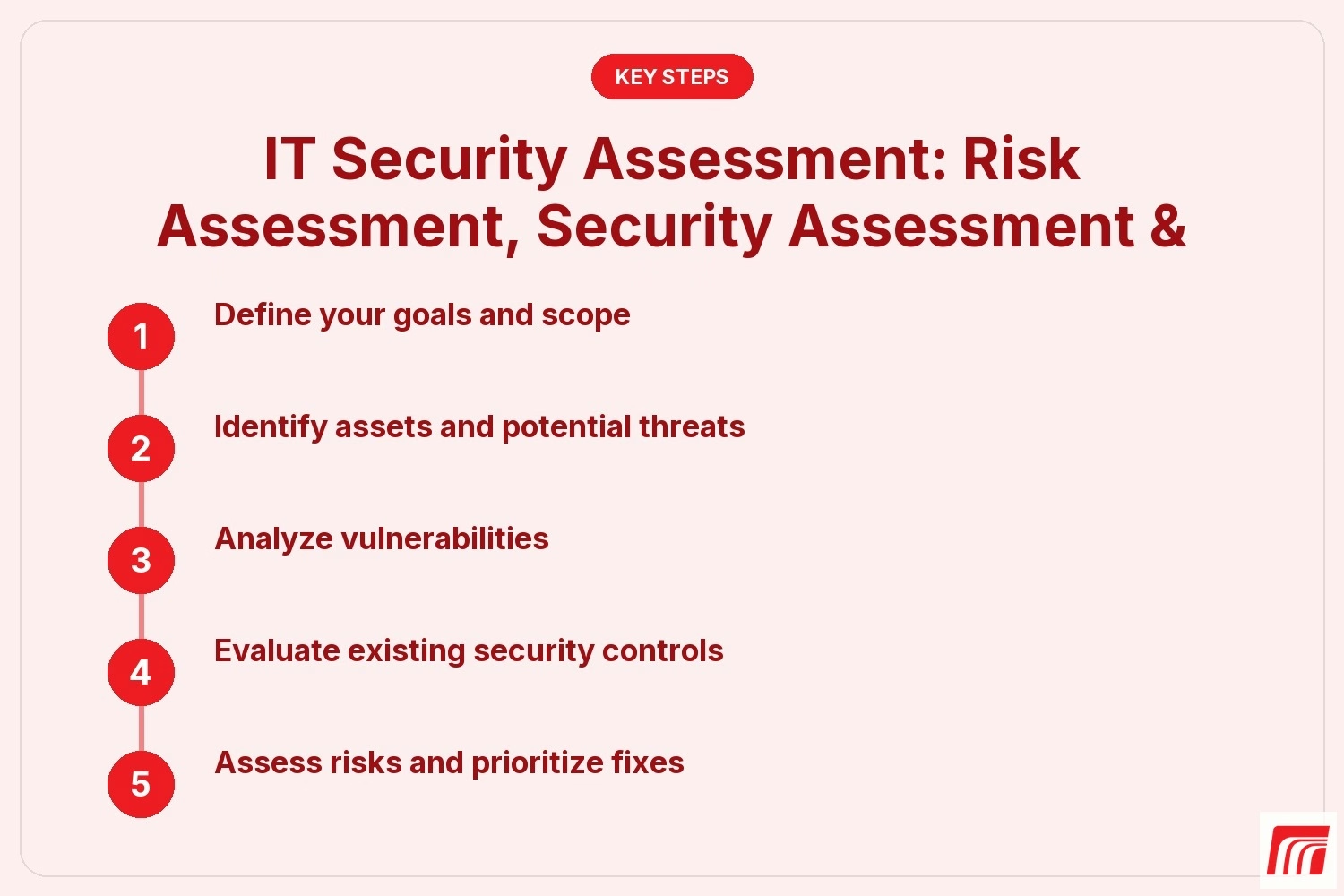
Step 1: Define your goals and scope
Start by deciding what you want to achieve. Are you looking to meet compliance standards, protect sensitive data, or improve your security controls? Set clear goals and decide which systems, networks, or departments will be included in the assessment.
Step 2: Identify assets and potential threats
List all your important assets, like servers, databases, and cloud services. Then, think about what could go wrong—such as hacking attempts, data leaks, or accidental loss. Knowing what you have and what could threaten it is the foundation of a strong assessment.
Step 3: Analyze vulnerabilities
Use tools and manual checks to find weaknesses in your systems. This might include outdated software, weak passwords, or missing patches. An IT security expert can help you spot issues that automated tools might miss.
Step 4: Evaluate existing security controls
Review your current security measures. Are your firewalls, antivirus, and access controls working as they should? This step helps you see if your defenses are strong enough or if you need to make changes.
Step 5: Assess risks and prioritize fixes
Not all risks are equal. Rate each risk based on how likely it is to happen and how much damage it could cause. This helps you focus on the most serious problems first, so you can use your resources wisely.
Step 6: Create an action plan
Once you know your top risks, make a plan to fix them. Assign tasks, set deadlines, and track your progress. This keeps everyone on the same page and ensures nothing gets missed.
Step 7: Document and report findings
Write an assessment report that explains what you found and what you recommend. This document is useful for audits, compliance, and future planning.
Key benefits of a thorough IT security assessment
A careful IT security assessment brings many advantages:
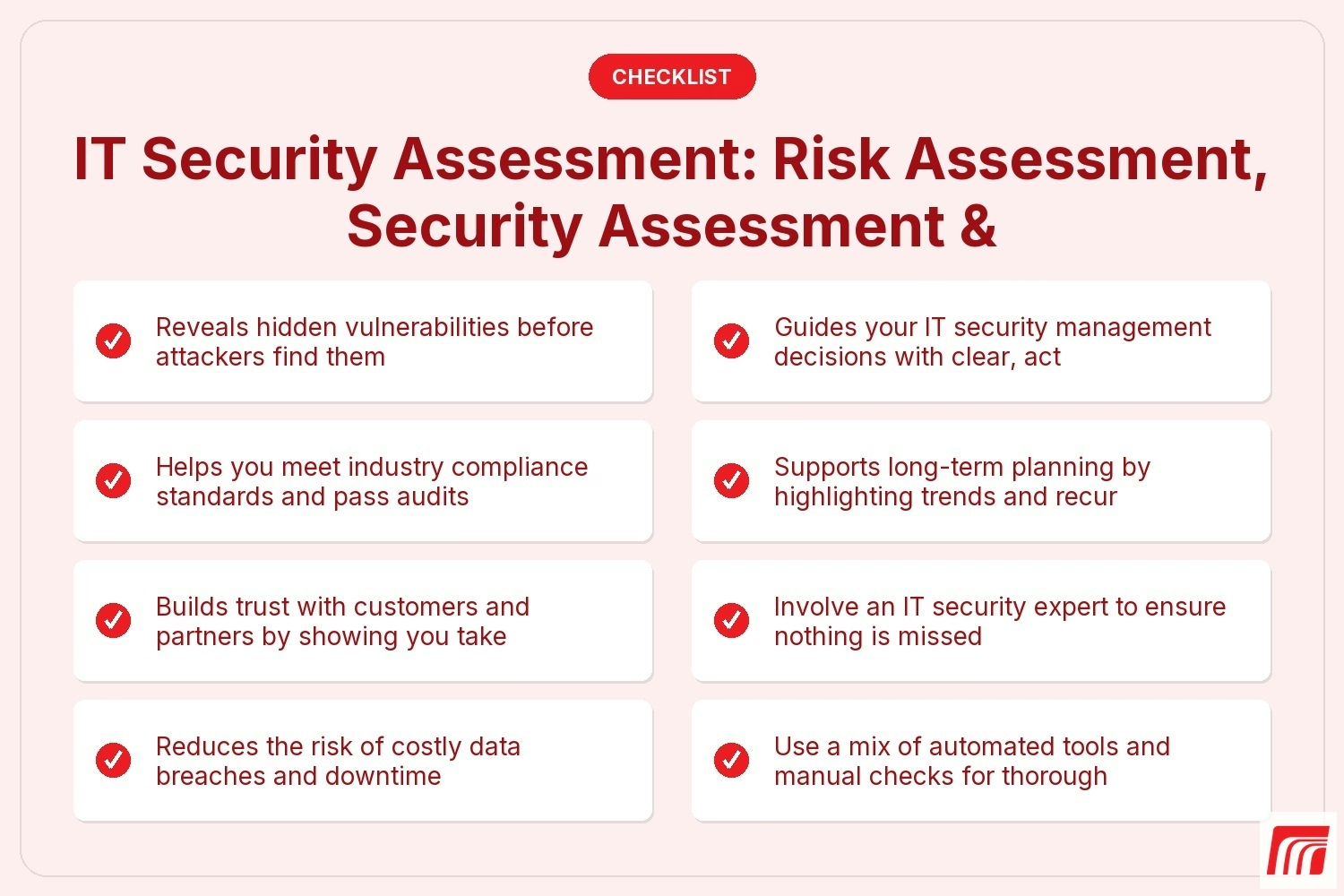
- Reveals hidden vulnerabilities before attackers find them
- Helps you meet industry compliance standards and pass audits
- Builds trust with customers and partners by showing you take security seriously
- Reduces the risk of costly data breaches and downtime
- Guides your IT security management decisions with clear, actionable insights
- Supports long-term planning by highlighting trends and recurring issues

The role of cybersecurity and the risk assessment process
Cybersecurity is more than just installing antivirus software. It’s about creating a culture of security and making sure everyone understands their role. The risk assessment process is a big part of this. It helps you spot gaps in your defenses and decide where to focus your efforts.
By following a structured risk assessment process, you can make smarter decisions about where to invest in new tools or training. This approach also helps you stay ahead of new threats as technology and regulations change. For many businesses, working with an IT security expert ensures that nothing is overlooked and that your assessment meets industry standards.
Strategies for ongoing security and compliance
Keeping your business secure is not a one-time job. Here are some strategies to help you stay protected and compliant over time:
Strategy 1: Schedule regular assessments
Don’t wait for a problem to happen. Plan regular IT security assessments to catch new vulnerabilities and keep your systems up to date. This proactive approach helps you avoid surprises.
Strategy 2: Invest in employee training
Many security breaches start with human error. Train your staff on best practices, like recognizing phishing emails and using strong passwords. Well-informed employees are your first line of defense.
Strategy 3: Use risk assessment tools
Modern risk assessment tools can automate parts of the process, saving you time and reducing mistakes. These tools help you track changes, monitor threats, and generate reports quickly.
Strategy 4: Implement continuous monitoring
Continuous monitoring means keeping an eye on your systems 24/7. This helps you spot unusual activity and respond quickly to potential threats. It’s a key part of any strong IT security management plan.
Strategy 5: Work with compliance services
Staying compliant with industry rules can be complicated. Compliance services can help you understand what’s required and make sure you’re always up to date. This is especially important in industries with strict regulations.
Strategy 6: Follow the RMF (Risk Management Framework)
The RMF provides a step-by-step approach to managing security and compliance. Following this framework helps you organize your efforts and meet both business and regulatory needs.
How to put your IT security assessment into action
Once your assessment is complete, it’s time to act. Start by sharing the results with your leadership team and key staff. Make sure everyone understands the main risks and what needs to be done next.
Assign responsibilities for each action item and set clear deadlines. Track progress regularly and adjust your plan as needed. Don’t forget to update your policies and provide training if your assessment found gaps in employee knowledge. By turning your assessment into real action, you make your business safer and more resilient.
Best practices for a strong IT security assessment
Following best practices can make your IT security assessment more effective:
- Involve an IT security expert to ensure nothing is missed
- Use a mix of automated tools and manual checks for thorough results
- Keep detailed records of your assessment process and findings
- Regularly update your assessment as your business grows or changes
- Prioritize fixes based on risk, not just convenience
- Communicate clearly with all stakeholders about risks and next steps
A strong assessment sets the stage for better security and peace of mind.
How MBPS can help with IT security assessment
Are you the Average of 20 or more employees and looking to strengthen your business’s security? Growing businesses need reliable systems and expert guidance to keep data safe and meet compliance requirements. Our team understands the unique challenges you face and can help you build a safer, more resilient operation.
We know that finding and fixing security gaps can be overwhelming. That’s why MBPS offers tailored IT security assessment services led by experienced IT security experts. Let us help you protect your business and give you confidence in your IT security management. Contact us today to get started.
IT security assessment services
Frequently asked questions
What is the difference between a risk assessment and a security assessment?
A risk assessment focuses on identifying potential threats and the impact they could have on your business. It helps you understand where your biggest vulnerabilities are and how to prioritize your response. A security assessment, on the other hand, looks at your current security controls and checks if they are working as intended.
Both are important parts of information security. Together, they give you a full picture of your risks and how well your defenses are working. Regular assessments help you stay ahead of new threats and keep your systems safe.
How often should I perform a security risk assessment?
It’s best to perform a security risk assessment at least once a year or whenever you make major changes to your systems. This helps you catch new vulnerabilities and keep your defenses up to date. Some industries may require more frequent assessments to meet compliance standards.
Working with an IT security expert ensures your assessment is thorough and meets industry requirements. Regular reviews also make it easier to pass audits and show customers you take security seriously.
What does the assessment process typically include?
The assessment process usually starts with defining your goals and the scope of the review. Next, you identify your key assets, analyze vulnerabilities, and review your current security controls. This step-by-step approach helps you find and fix problems efficiently.
An IT security assessment often ends with a detailed assessment report. This document outlines what was found, what needs to be fixed, and how to prioritize your next steps. It’s a valuable tool for risk management and planning.
How can cybersecurity best practices help my business?
Following cybersecurity best practices helps protect your data, reduce the risk of breaches, and build trust with customers. These practices include using strong passwords, updating software regularly, and training employees to spot phishing attempts.
By making best practices part of your daily routine, you lower your overall risk. This approach also helps you meet compliance requirements and avoid costly downtime or data loss.
What are the most important risk assessment tools to use?
The best risk assessment tools combine automated scanning with manual checks. Tools like vulnerability scanners, network monitoring software, and compliance checklists can help you find weaknesses quickly. Manual reviews by an IT security expert add another layer of protection.
Choosing the right tools depends on your business size and industry. Make sure your tools are updated regularly and fit your specific needs. This ensures your IT security management stays effective.
Why is continuous monitoring important for IT security?
Continuous monitoring means watching your systems for threats around the clock. This helps you spot unusual activity and respond quickly to potential attacks. It’s a key part of any strong security and compliance plan.
By using continuous monitoring, you can catch problems early and reduce the potential impact of a breach. It also helps you meet compliance requirements and keep your business running smoothly.
Check our other posts

IT Risk Management: Framework, Best Practices & Risk Assessment Tips
Explore IT risk management essentials, including frameworks, risk assessment, and best practices to help your business reduce risks and improve security.
Read More
SOC 2 Compliance Checklist & Audit: Key Requirements & Benefits
Discover what SOC 2 compliance means, why it matters, and how to meet SOC 2 requirements. Learn about audits, certification, and key steps for your business.
Read More
Cybersecurity Best Practices: Top Security Best Practices for Businesses
Learn cybersecurity best practices for businesses, including common mistakes, practical steps, and how to protect sensitive data using proven security strategies.
Read More