.svg)




Learn how SOC 2 compliance works, including SOC 2 requirements, SOC 2 certification, the SOC 2 audit process, and SOC 2 vs ISO. Get actionable steps now.

July 2, 2026
.avif)
.avif)
.avif)
Keeping your business running smoothly depends on reliable IT infrastructure monitoring. With so many devices, servers, and cloud systems in play, spotting issues before they become major problems is essential. In this blog, you’ll learn what IT infrastructure monitoring is, how it works, and why it matters for your business. We’ll cover the tools, metrics, and dashboards you need, explore real-world use cases, and share practical tips for implementation. You’ll also see how monitoring helps with visibility, performance monitoring, and troubleshooting to reduce downtime and improve user experience.
IT infrastructure monitoring is the process of tracking the health and performance of all your technology systems. This includes servers, networks, databases, cloud infrastructure, and more. By monitoring these components, you can detect issues early, prevent outages, and keep your business operations running without interruption.
A strong monitoring solution gives you visibility across your entire infrastructure. It helps you collect data in real time, unify information from different sources, and automate alerts when something goes wrong. This proactive approach reduces the risk of downtime and supports better decision-making for your IT team.
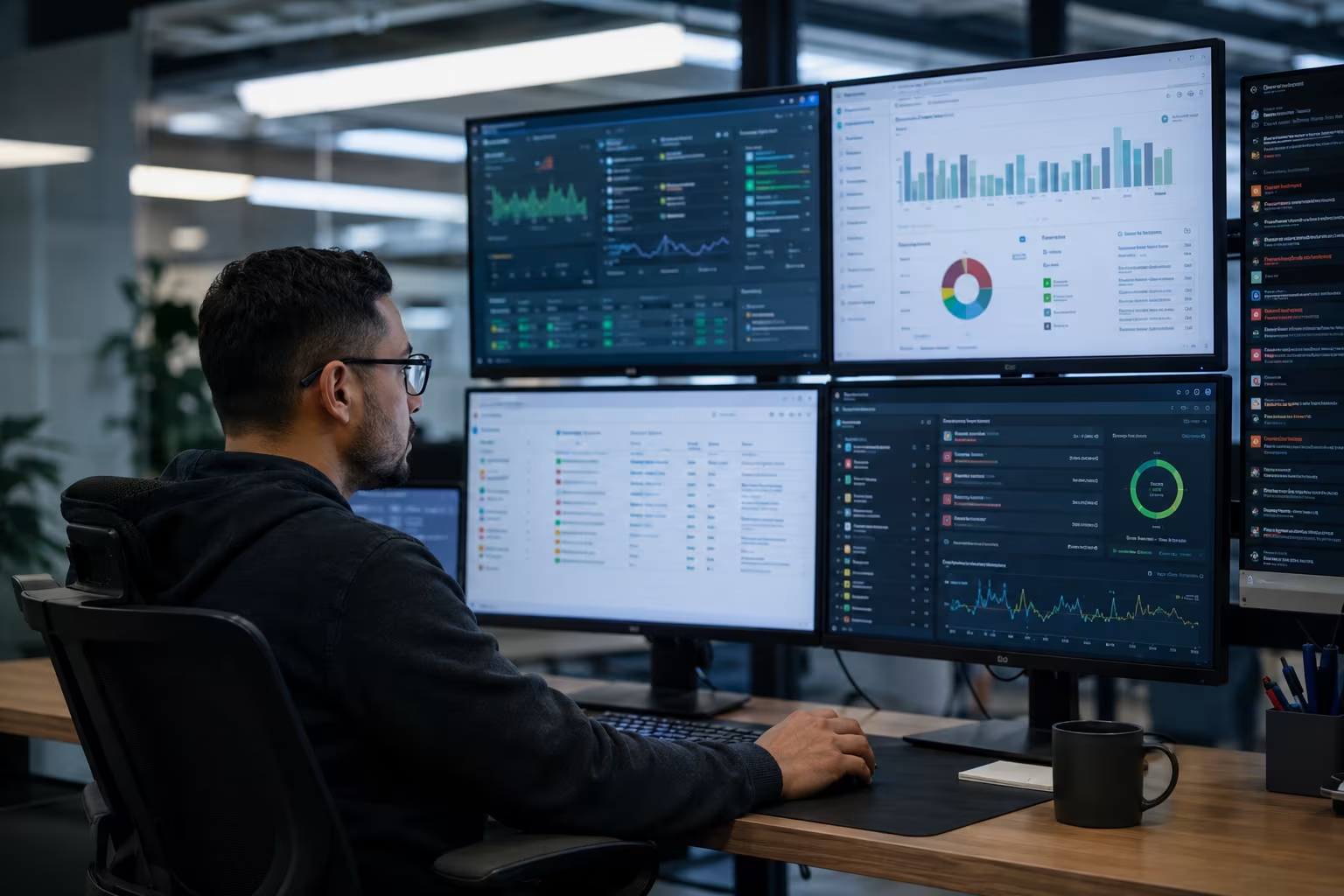
Even with the best intentions, businesses can make mistakes when setting up infrastructure monitoring. Here are some key areas to watch out for:
If your monitoring system can’t grow with your business, you’ll face gaps in coverage as you add more devices or move to cloud environments. Always choose solutions that can scale easily.
Your monitoring tools should fit into your current workflow. If they don’t, your team may ignore alerts or miss important data, leading to longer response times and unresolved issues.
It’s not enough to know if a server is up or down. Monitoring should also track metrics like CPU, memory usage, and bandwidth to spot performance issues before users notice them.
Without real-time alerts, your team may not know about problems until it’s too late. Automated alerts help you respond quickly and reduce the impact of outages.
Many businesses use a mix of on-premises and cloud infrastructure. If you only monitor one part, you risk missing issues that affect your entire infrastructure.
When something goes wrong, finding the root cause is key. Good monitoring tools help you correlate data and troubleshoot problems faster.
When choosing a monitoring tool, look for these important features:
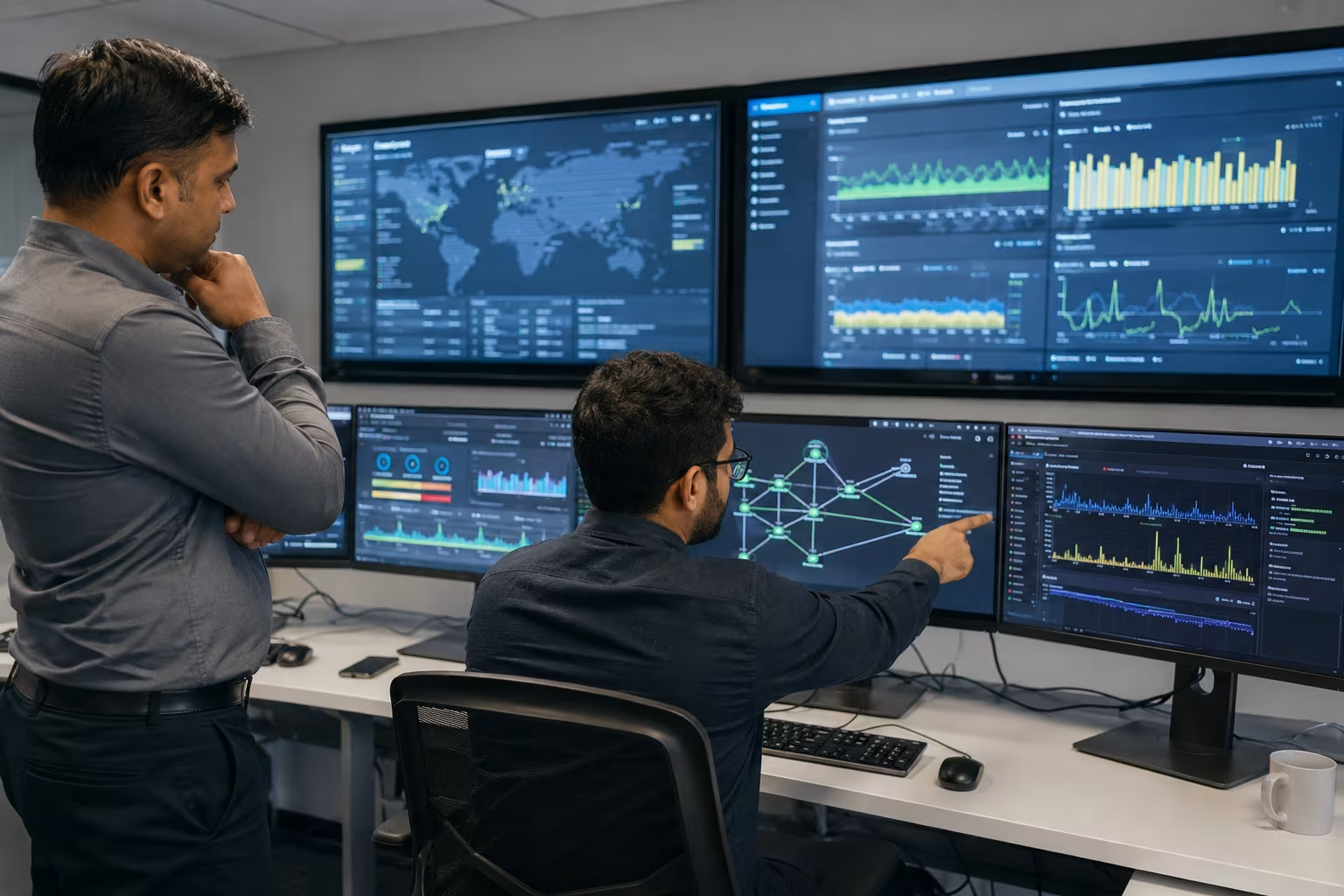
Metrics and dashboards are at the heart of IT infrastructure monitoring. Metrics are the data points you track—like CPU usage, memory consumption, or network latency. Dashboards bring these metrics together in one place, making it easy to spot trends or anomalies.
With the right dashboards, your team can see the health and performance of your infrastructure at a glance. This visibility helps you detect issues early, plan for upgrades, and ensure your systems meet business needs. Dashboards also make it easier to share information with non-technical teams, supporting better communication across your organization.
IT infrastructure monitoring isn’t just about avoiding downtime. Here are some of the most valuable use cases:
By monitoring for early warning signs—like high CPU or memory usage—you can take action before systems fail. This keeps your business running and protects your reputation.
Slow response times or frequent outages frustrate users. Monitoring helps you detect and resolve issues quickly, leading to a better experience for everyone.
Modern businesses often use a mix of cloud and on-premises systems. Monitoring tools designed for these environments provide unified visibility and help manage complex setups.
Some industries require regular infrastructure risk assessment and infrastructure health monitoring. Monitoring helps you track compliance and spot unusual activity that could signal a security threat.
By tracking metrics like bandwidth and memory usage, you can identify underused resources or spot areas where upgrades are needed. This supports cost savings and better planning.
Automation features in monitoring tools can resolve simple issues—like restarting a service—without human intervention. This reduces manual work and speeds up recovery.
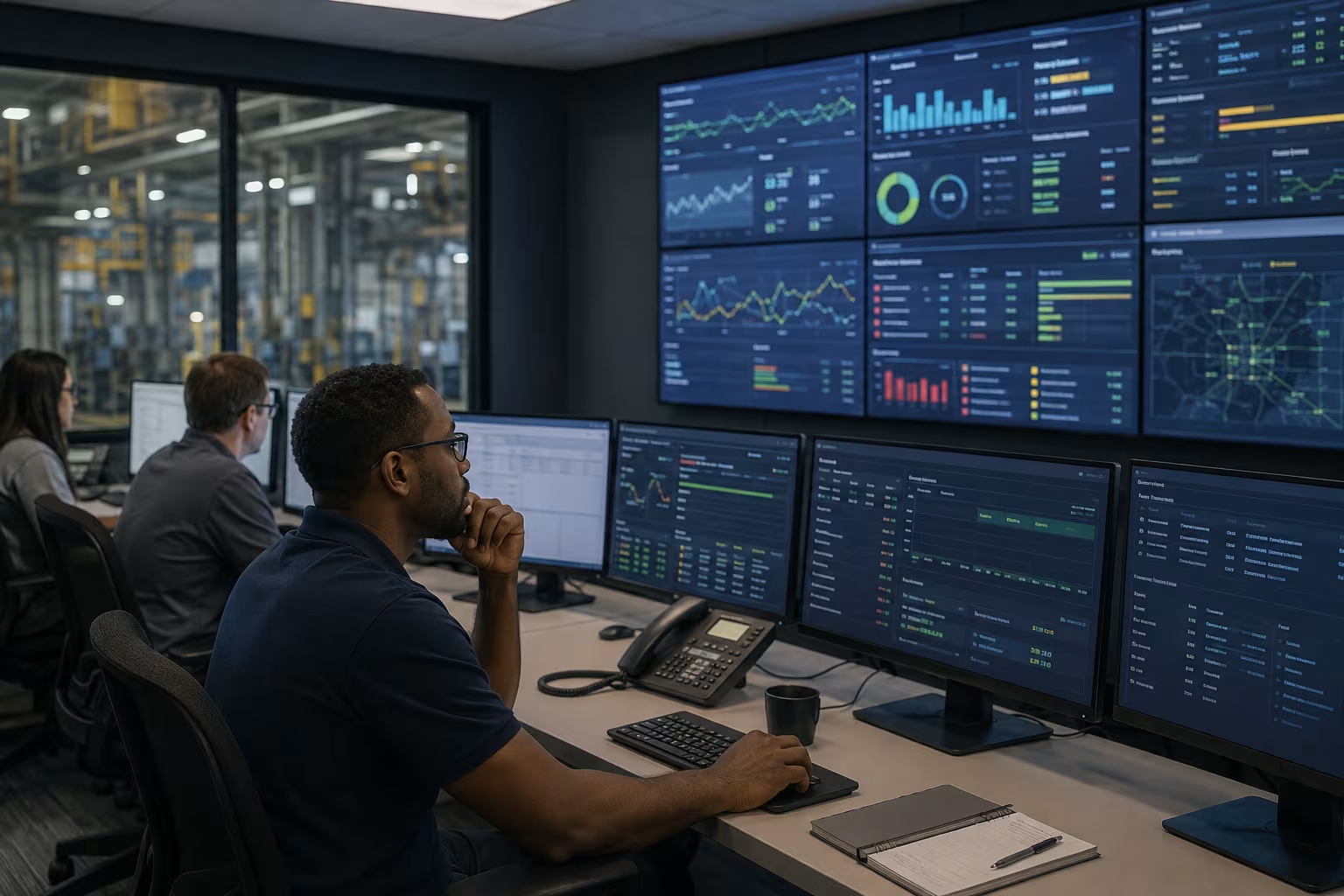
Rolling out IT infrastructure monitoring takes planning. Start by identifying the most critical infrastructure components—servers, routers, databases, and cloud services. Choose a monitoring solution that fits your needs, supports integration with your current systems, and can grow as your business expands.
Set up dashboards and alerts based on the metrics that matter most to your operations. Train your team to respond to alerts and use monitoring data for root cause analysis. Regularly review your monitoring setup to ensure it continues to meet your business goals and adapts to new technologies or workflows.
To get the most from your monitoring efforts, follow these best practices:
Staying proactive with these steps helps you detect issues early and keep your systems running smoothly.

Are you the Average of 20 or more employees looking for a reliable way to keep your business technology running? As your company grows, so does the complexity of your IT systems. We understand the challenges that come with managing servers, cloud environments, and hybrid setups—and we’re here to help.
Our team at MBPS specializes in IT infrastructure monitoring for growing businesses. We provide the tools, dashboards, and expertise you need to detect issues, reduce downtime, and improve user experience. Contact us today to learn how we can support your business with scalable, proactive monitoring solutions.
Infrastructure monitoring is the process of tracking the health and performance of your IT systems, such as servers and databases. It helps you detect issues early, reduce downtime, and improve overall reliability. By using a monitoring solution, you gain real-time visibility into your infrastructure components and can respond quickly to alerts.
Monitoring helps you proactively address problems, avoid outages, and maintain a strong user experience. It also supports compliance and infrastructure risk assessment, making it easier to meet industry regulations and keep your systems secure.
An infrastructure monitoring tool collects data from your servers, cloud infrastructure, and network devices. It tracks key metrics like CPU usage, memory consumption, and network bandwidth to spot performance issues. The tool can unify data from different sources and present it in a single dashboard for easy analysis.
With real-time alerts and automation, the tool helps you resolve issues proactively. Integration with your existing systems ensures that your team can respond quickly to any problems, reducing the risk of downtime or outages.
Some of the most common use cases include preventing outages, improving user experience, and optimizing resource usage. Monitoring helps you detect anomalies in your data center or cloud environments, allowing you to troubleshoot problems before they impact users.
It also supports root cause analysis by correlating data from multiple sources. This makes it easier to resolve issues and maintain high uptime for your business-critical systems.
Metrics provide the raw data you need to understand system health and performance. Dashboards bring these metrics together, giving you a clear view of your entire infrastructure at a glance. This visibility across your systems helps you spot trends, detect issues, and make informed decisions.
Customizable dashboards let you focus on the metrics that matter most to your business. They also make it easier to share information with your team and track the effectiveness of your monitoring efforts.
Look for a monitoring solution that supports both cloud and on-premises systems, integrates with your existing workflow, and offers real-time alerts. It should be scalable to grow with your business and provide tools for root cause analysis and automation.
Consider solutions that offer unified dashboards and easy integration with your operating system and other IT tools. This ensures you get the most value from your monitoring investment and can adapt as your needs change.
Start by identifying the most critical systems and metrics for your business. Set up dashboards and alerts to monitor these areas in real time, and train your team to respond quickly to any issues. Regularly review your monitoring setup to ensure it continues to meet your needs.
Include infrastructure health monitoring and risk assessments as part of your regular IT workflow. This proactive approach helps you detect issues early, reduce downtime, and improve the overall reliability of your systems.